
HSA/FSA Eligible Product Collections
HSA/FSA Eligible Product Collections
Making it easy for customers to find HSA/FSA-eligible products is one of the simplest ways to increase conversion rates and build trust. By adding clear tags, badges, or filters, you’re removing friction and guiding high-intent shoppers to the right products.
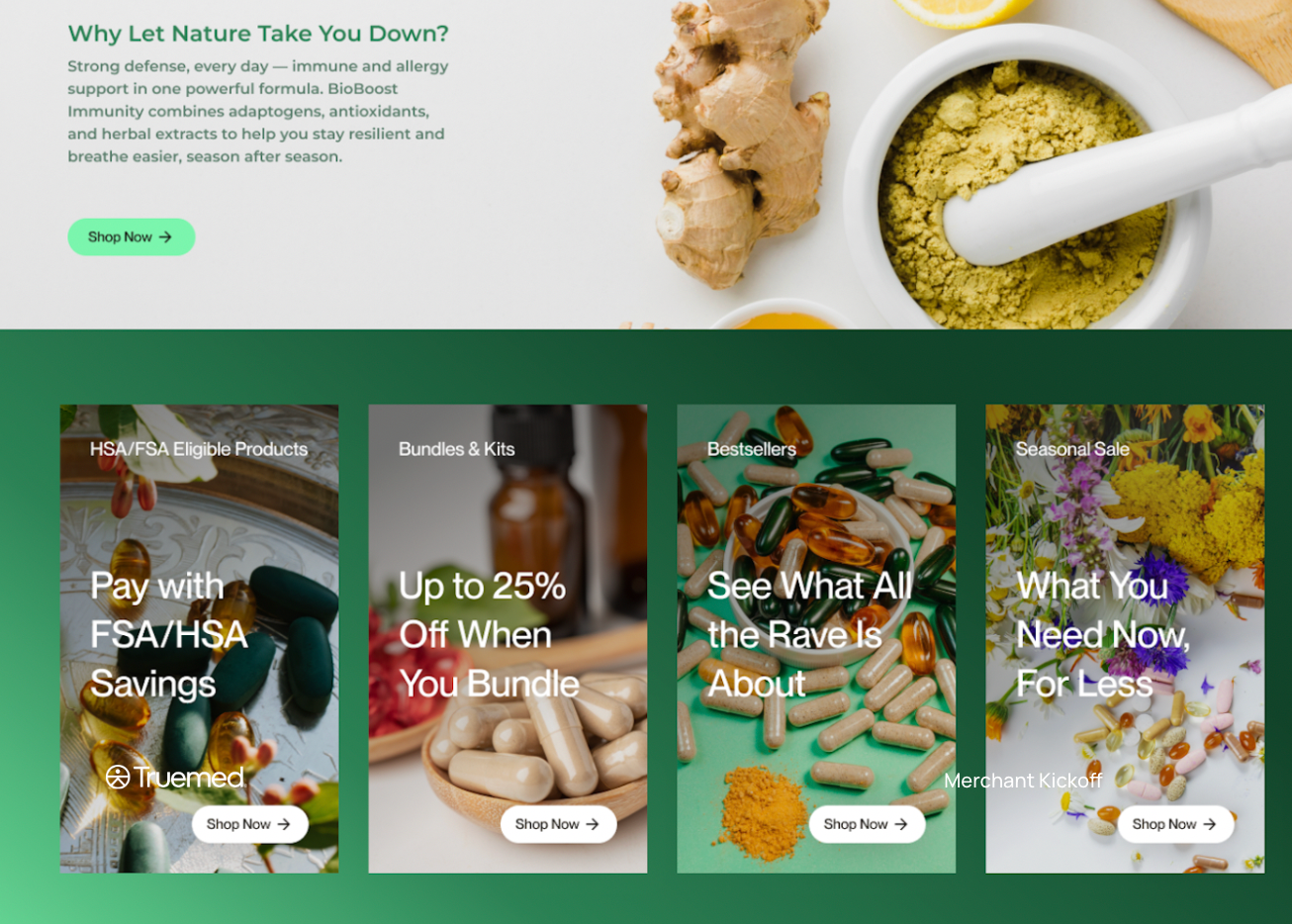
Why This Matters
Most shoppers don’t realize they can use their HSA/FSA funds for your products — until you show them.
Adding “HSA/FSA Eligible” language throughout your site helps:
- Improve customer confidence
- Increase average order value
- Reduce browsing friction
- Boost overall conversion rates
Where to Add Filters or Badges
1. Collection Pages Create a dedicated collection page labeled “HSA/FSA Eligible” so customers can browse all eligible items in one place.
2. Product Filters Add a filter in your navigation (or sidebar) that lets customers sort by eligibility. This is especially useful if your catalog is large or has mixed eligibility.
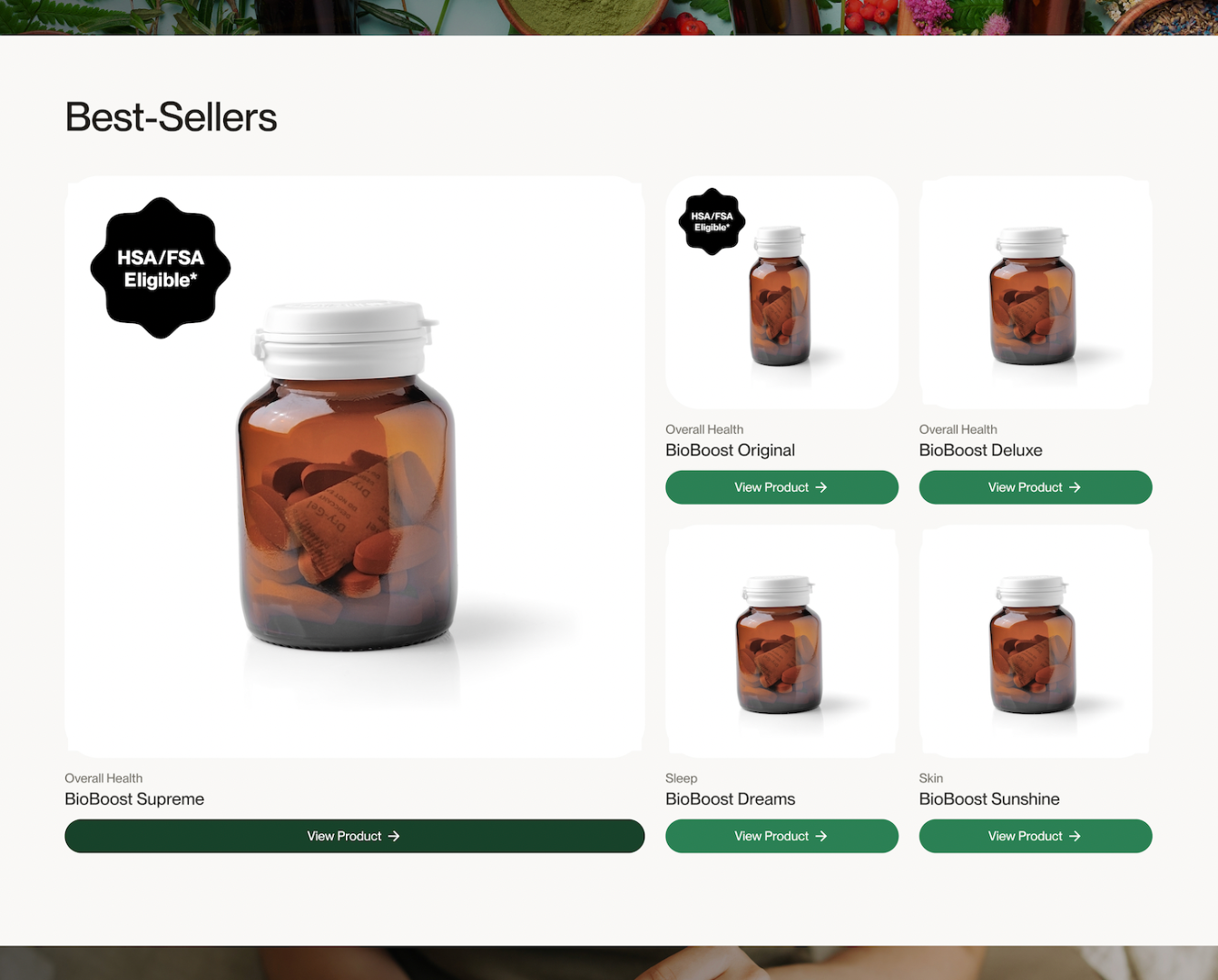
3. Product Badges or Labels Display an “HSA/FSA Eligible” badge on the product thumbnail and/or product detail page (PDP). This draws immediate attention to qualifying items.
How to Add an HSA/FSA Eligible Filter
Add an HSA/FSA eligible filter in under 10 minutes by following our guide, here.
Please reach out to us at merchants@truemed.com if you have any questions!
Real-World Results
Merchants who implement these changes often see:
- Higher conversion rates
- More confident, faster purchasing decisions
- Increased cart sizes from HSA/FSA buyers
Even small UX improvements like these make a big difference in performance.
HSA/FSA Eligible Badges
Add badges to HSA/FSA eligible products so customers can easily identify eligible items.
Download assets here.