Customer Journey: Reimbursements
Customer Journey: Reimbursements
This guide walks through the customer experience for the Reimbursements integration, where customers pay with their regular credit or debit card at checkout and use a Truemed-issued Letter of Medical Necessity (LMN) to reimburse themselves through their HSA/FSA administrator. This flow works for merchants who primarily operate through subscriptions or do not have a Shopify storefront.
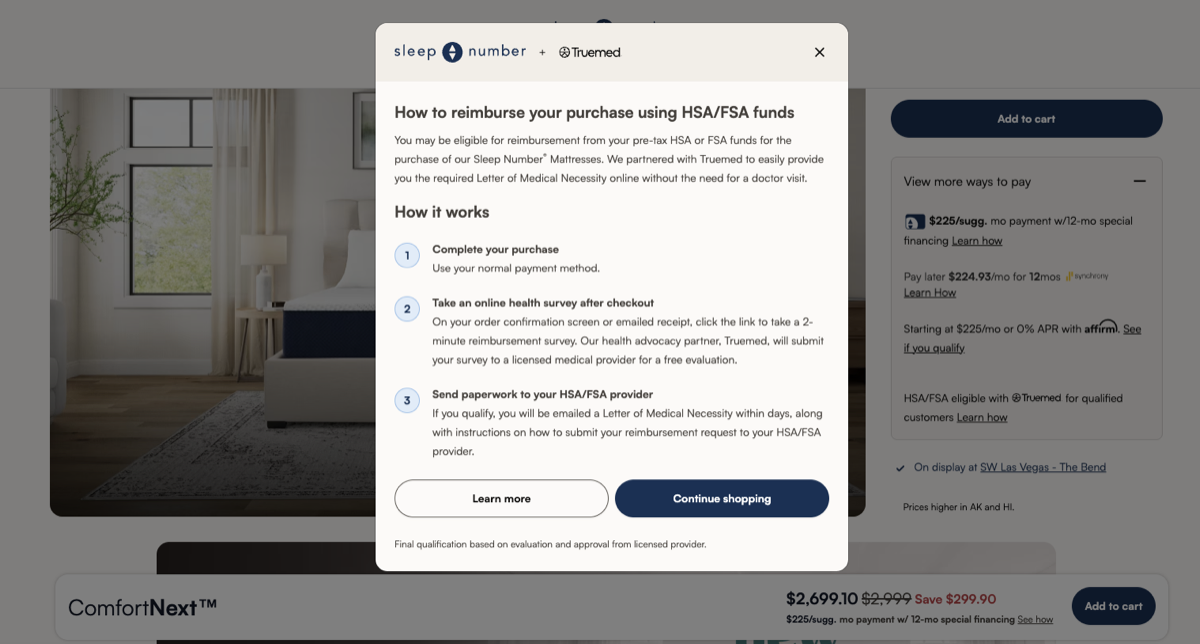
Step 1: Discover HSA/FSA Eligibility on the Product Page
Customers first encounter the Truemed eligibility widget on the product description page (PDP). The widget signals that the product may qualify for HSA/FSA reimbursement and sets expectations for what comes next: customers will check out using their standard payment method and receive a link to a short clinical intake form after checkout to obtain an LMN.
This applies to both one-time purchases and subscription orders.
Step 2: Add Items to Cart
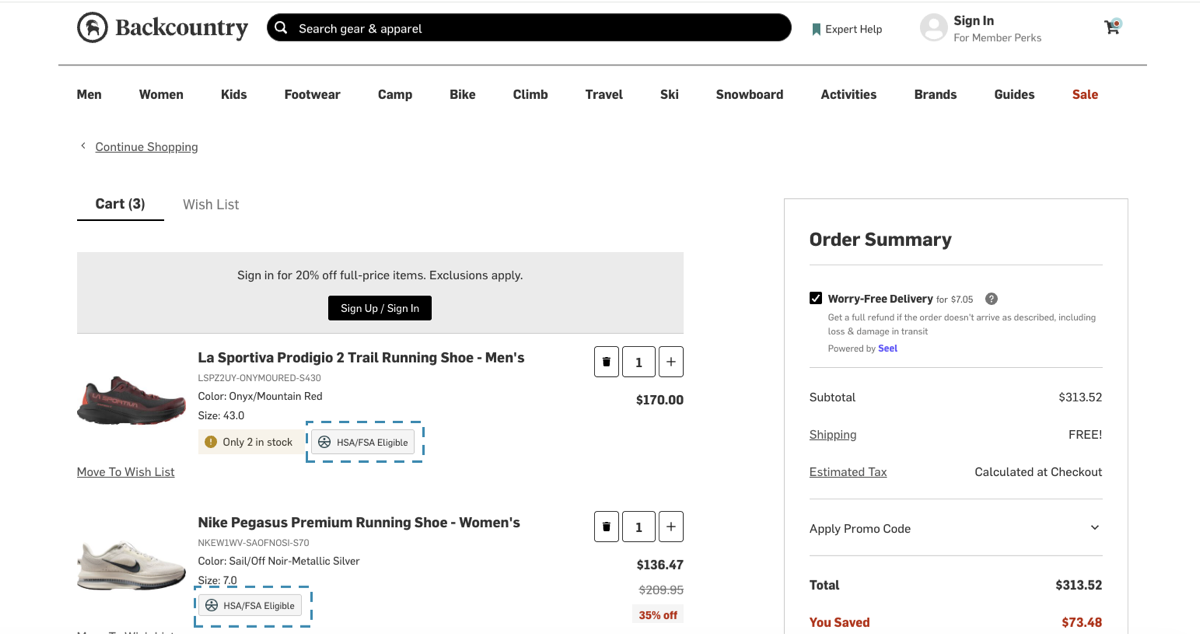
As customers add items to their cart, they may see additional reminders of HSA/FSA eligibility through product eligibility tags on individual line items or a widget highlighting that items in the cart may qualify for reimbursement. This is a reinforcement of what they first saw on the product page and does not change anything about the checkout process.
Step 3: Complete Checkout Normally
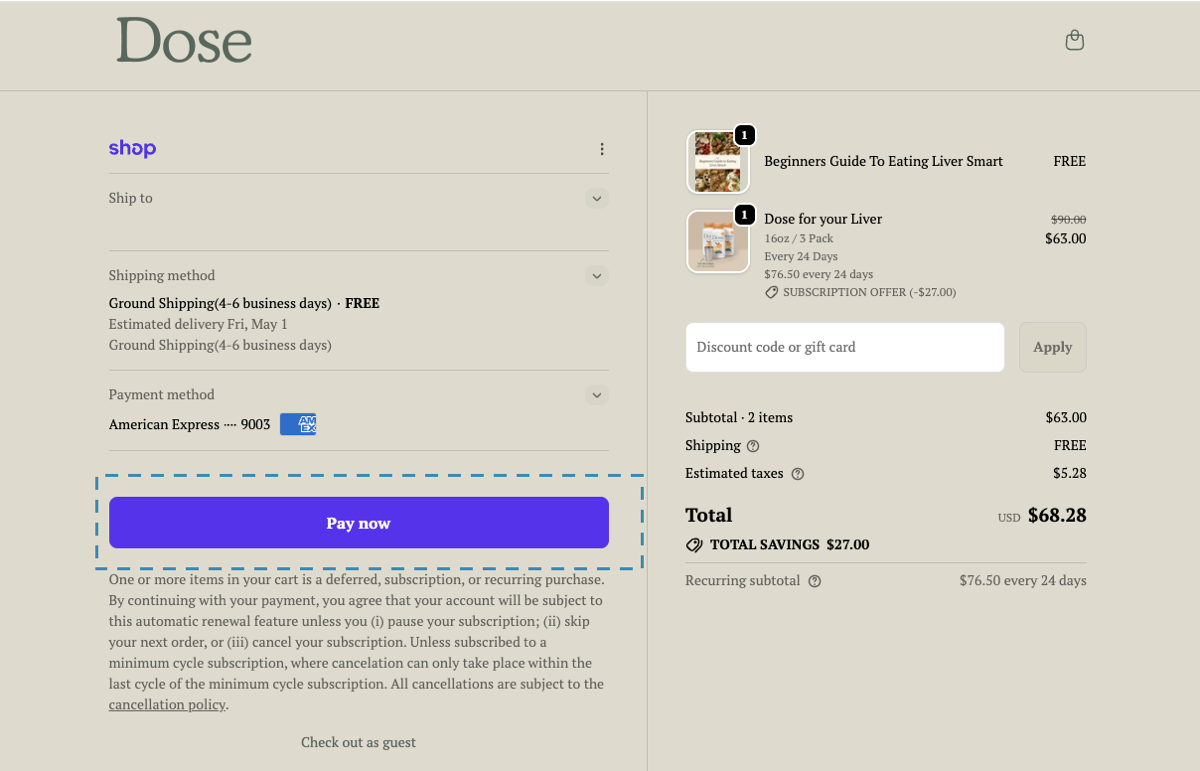
Customers check out using their standard payment method, whether a credit card, debit card, or an accelerated option like Apple Pay or Shop Pay. No HSA/FSA card is needed at this stage.
Step 4: Access the Clinical Intake Form After Purchase
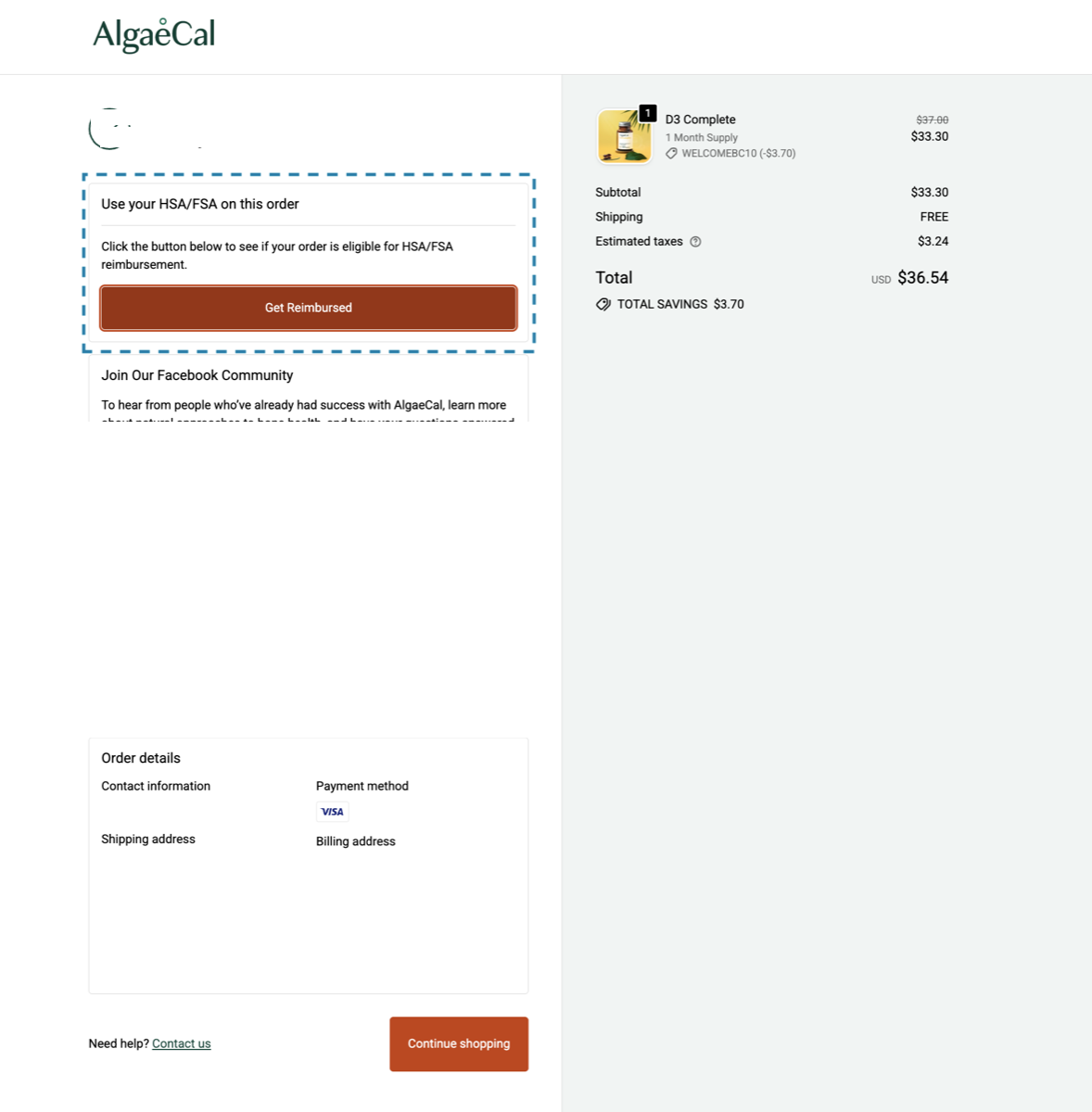
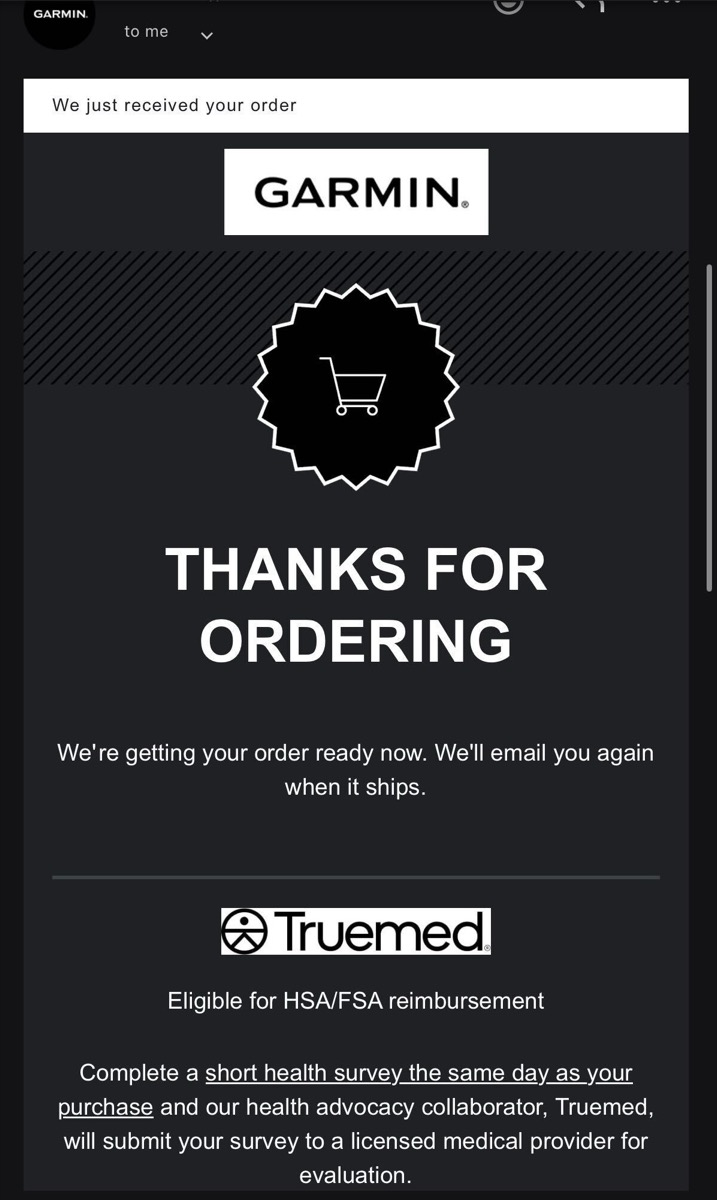
After completing the purchase, customers receive a link to the Truemed clinical intake form. Depending on how your store is configured, the link is delivered via the order confirmation page, the post-purchase thank-you email, or both.
Step 5: Complete the Eligibility Evaluation
The customer clicks Get Reimbursed and completes a short clinical intake form (typically about 90 seconds) to determine whether they qualify for an LMN.
Step 6: Receive the Letter of Medical Necessity
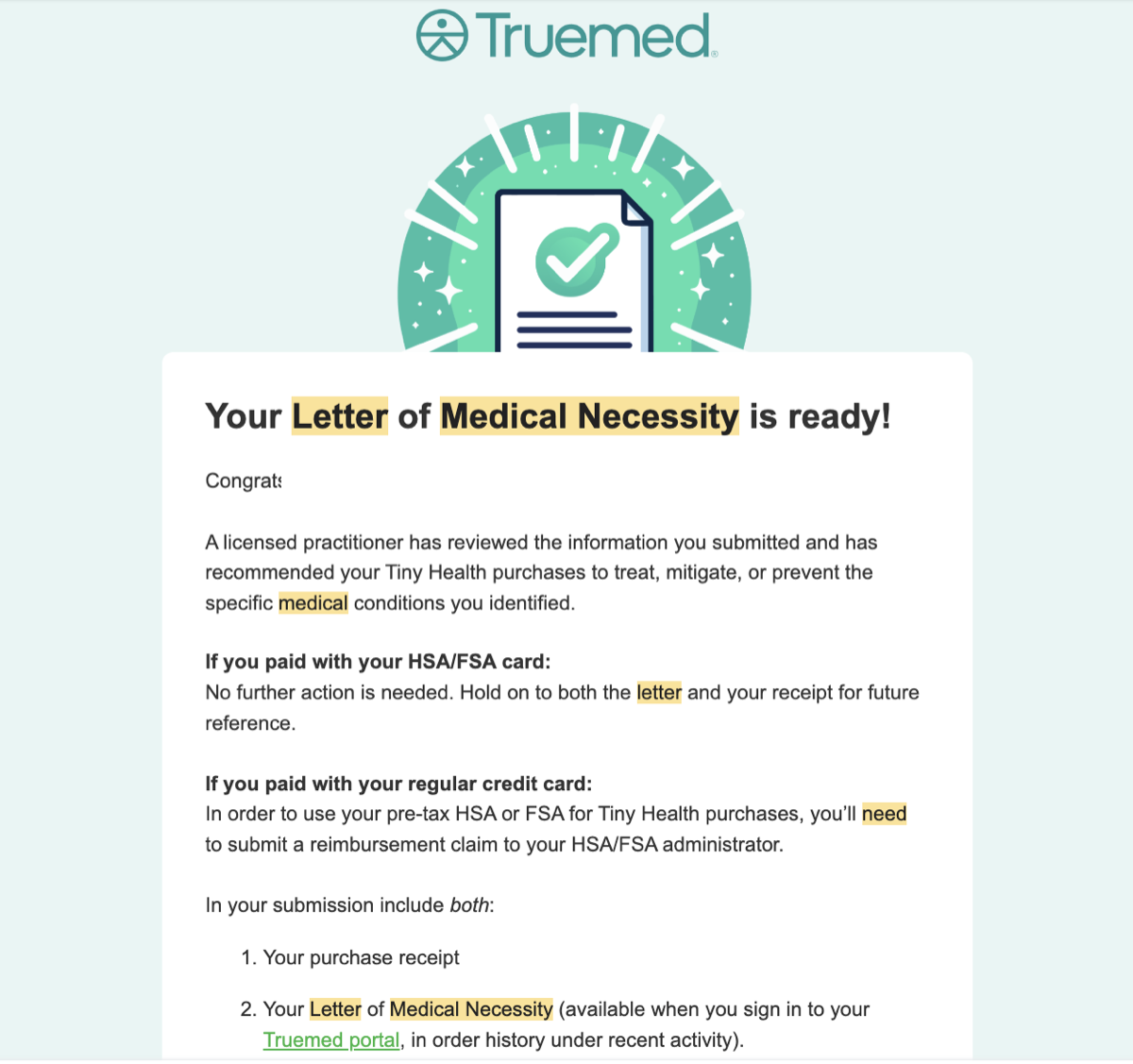
If the practitioner determines medical necessity, an independent licensed practitioner reviews the form and issues an LMN within 24 hours. The customer receives the LMN by email along with step-by-step reimbursement instructions.
Step 7: Submit to the HSA/FSA Administrator
To reimburse, the customer logs in to their HSA/FSA administrator’s portal and submits the LMN and purchase receipt under the Reimbursement or Claims section.
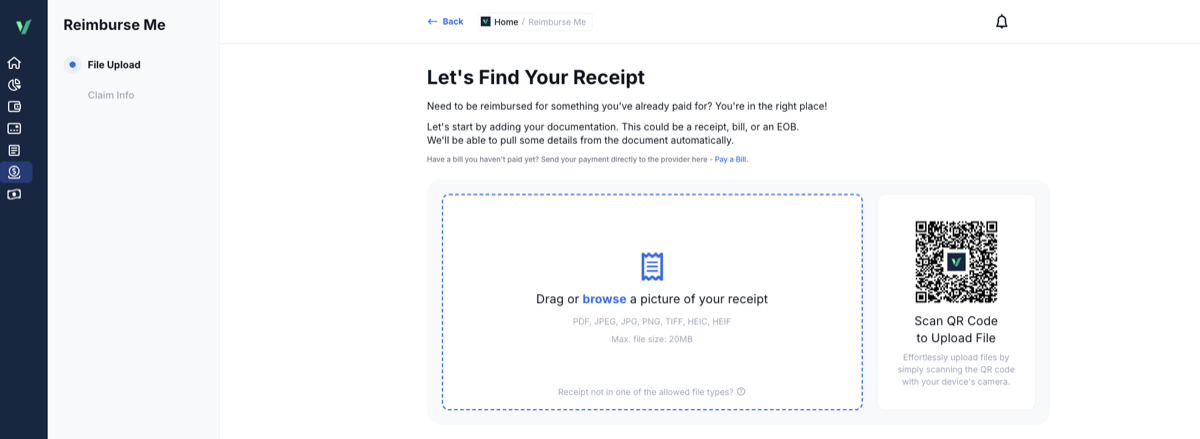
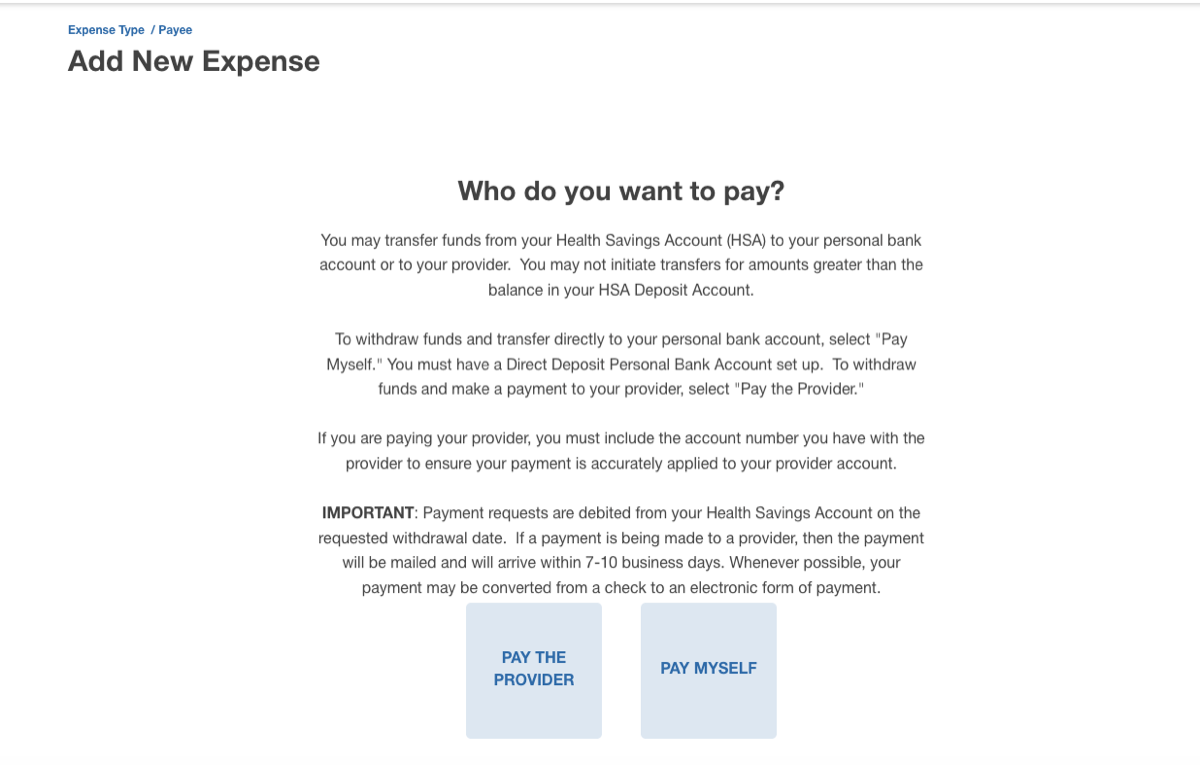
Timeline: Processing typically takes a few days to a few weeks, depending on the customer’s administrator.
Step 8: Renew the LMN Each Year
The LMN is valid for 12 months from the date it is issued. Customers can use it to reimburse repeat purchases of the same product or category throughout that period without needing to reapply.
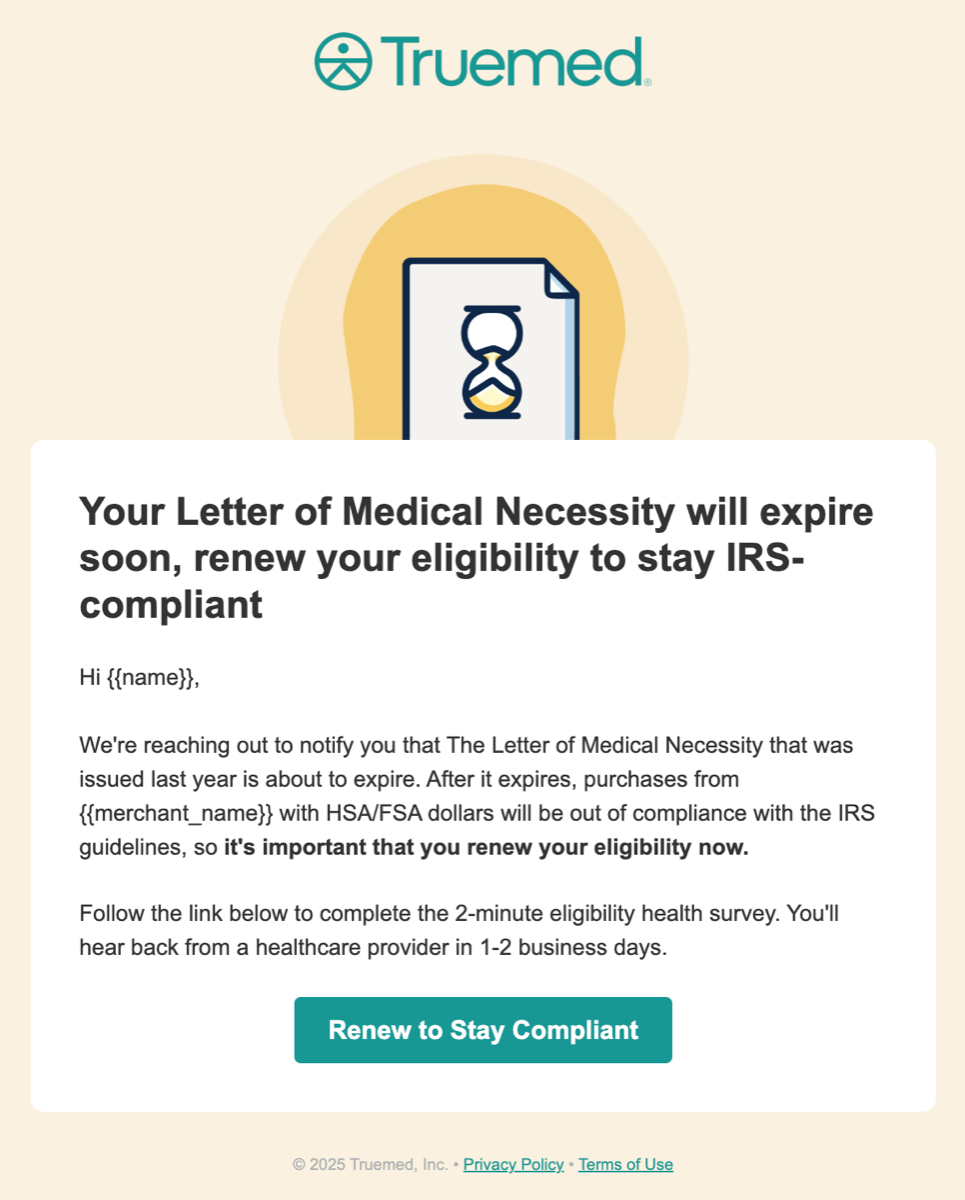
As the LMN approaches expiration, Truemed sends an automatic reminder to retake the clinical intake form and renew the LMN for the new plan year so coverage stays uninterrupted.
What Happens If the Evaluation Isn’t Approved?
If the practitioner determines an LMN isn’t appropriate, the customer receives an email notification. Because the customer paid with a regular card, no further action is required on their end.
What Happens If the Reimbursement Claim Isn’t Approved?
Rejections at the administrator level are rare. Truemed maintains a 99.8% approval rate across submitted evaluations. In the unlikely event that an LMN is not accepted, the Truemed support team works with the customer directly to assist with the adjudication process.
If a reimbursement claim is ultimately denied after that process, Truemed stands behind its service. As outlined in our Terms of Service, if a customer is unable to obtain reimbursement for a purchase made through Truemed, we will provide a payment equal to 30% of the eligible purchase amount, representing the approximate tax savings the customer would have received had the reimbursement been approved.
Truemed’s 99.8% approval rate means the vast majority of customers receive their LMN without issue. The support team is available if a customer needs help.
Quick Reference Summary
The full Reimbursements customer journey, end to end:
- Customer sees HSA/FSA eligibility signaled on the product page
- Customer adds items to cart and sees eligibility reinforcement
- Customer completes checkout with their standard payment method
- Customer receives a link to the Truemed clinical intake form via order confirmation page or email
- Customer completes the clinical intake form
- An independent licensed practitioner reviews and, if appropriate, issues an LMN within 24 hours
- Customer submits the LMN and receipt to their HSA/FSA administrator
- Customer renews the LMN annually to keep coverage uninterrupted
Need Help?
- Customer support (your customers’ questions): support@truemed.com
- Merchant support: merchants@truemed.com
