
Post-Purchase Email Snippet
Post-Purchase Email Snippet
Add an HSA/FSA reimbursement qualification link to your post-purchase confirmation emails.
These instructions are specific to reimbursement implementations. They are not necessary to support the Truemed payment app.
Encourage HSA/FSA Reimbursement Immediately Post-Purchase
These instructions will help you include a link to the HSA/FSA reimbursement qualification in the post-purchase email.
For example, an email might look like this:
Shopify Instructions
-
Locate your Qualification Link at app.truemed.com
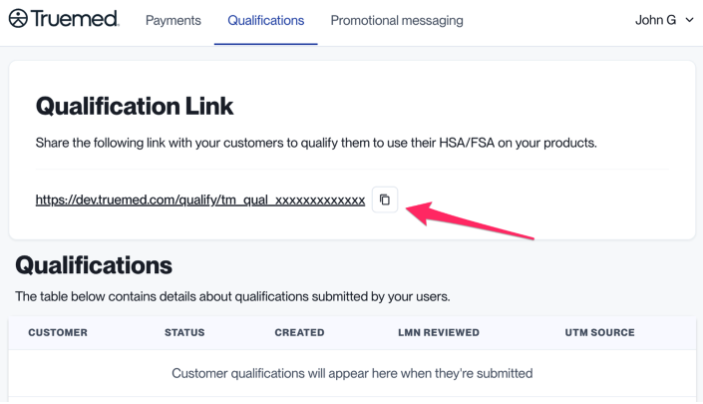
This is the link that you will copy for the following steps. Make sure to replace
YOUR_QUALIFICATION_LINKwith the link found in step 1. -
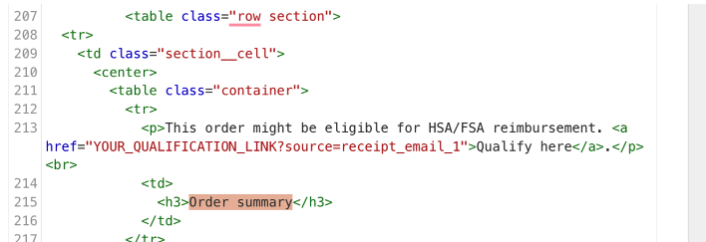
On your Shopify admin panel, navigate to Settings > Notifications > Customer Notifications > Order Confirmations > Click edit code > Paste the following code snippet according to where you’d like it to appear in your email template:
On the standard Shopify template it could look something like this:
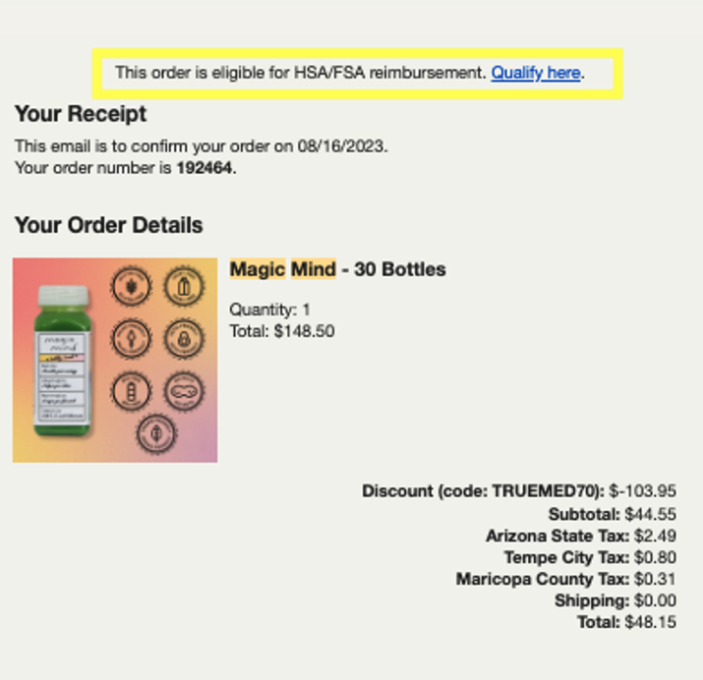
You can click Preview to see what the page will look like before saving it. Note: the hyperlinked text will not be clickable in the preview mode.
Non-Shopify Instructions
-
Locate your Qualification Link at app.truemed.com
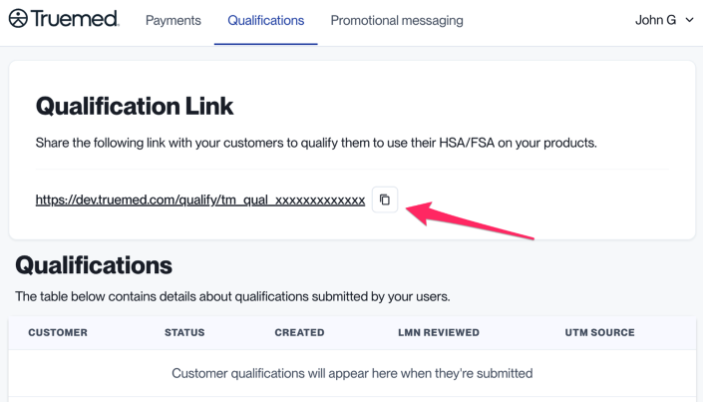
This is the link that you will copy for the following steps. Make sure to replace
YOUR_QUALIFICATION_LINKwith the link found in step 1. -
Place the following code snippet in your post-purchase email template. Customers have a better experience if you append SKUs to your qualification link.
Need Help?
Contact merchants@truemed.com for any technical questions about the post-purchase email snippet.