Reimbursements Customer Journey
A step-by-step walkthrough of the Truemed HSA/FSA reimbursement experience for subscription and non-Shopify customers.
This checkout method is for our partners who do most of their business through subscription orders, or do not have a Shopify storefront.
Experience the Truemed Process
Step 1
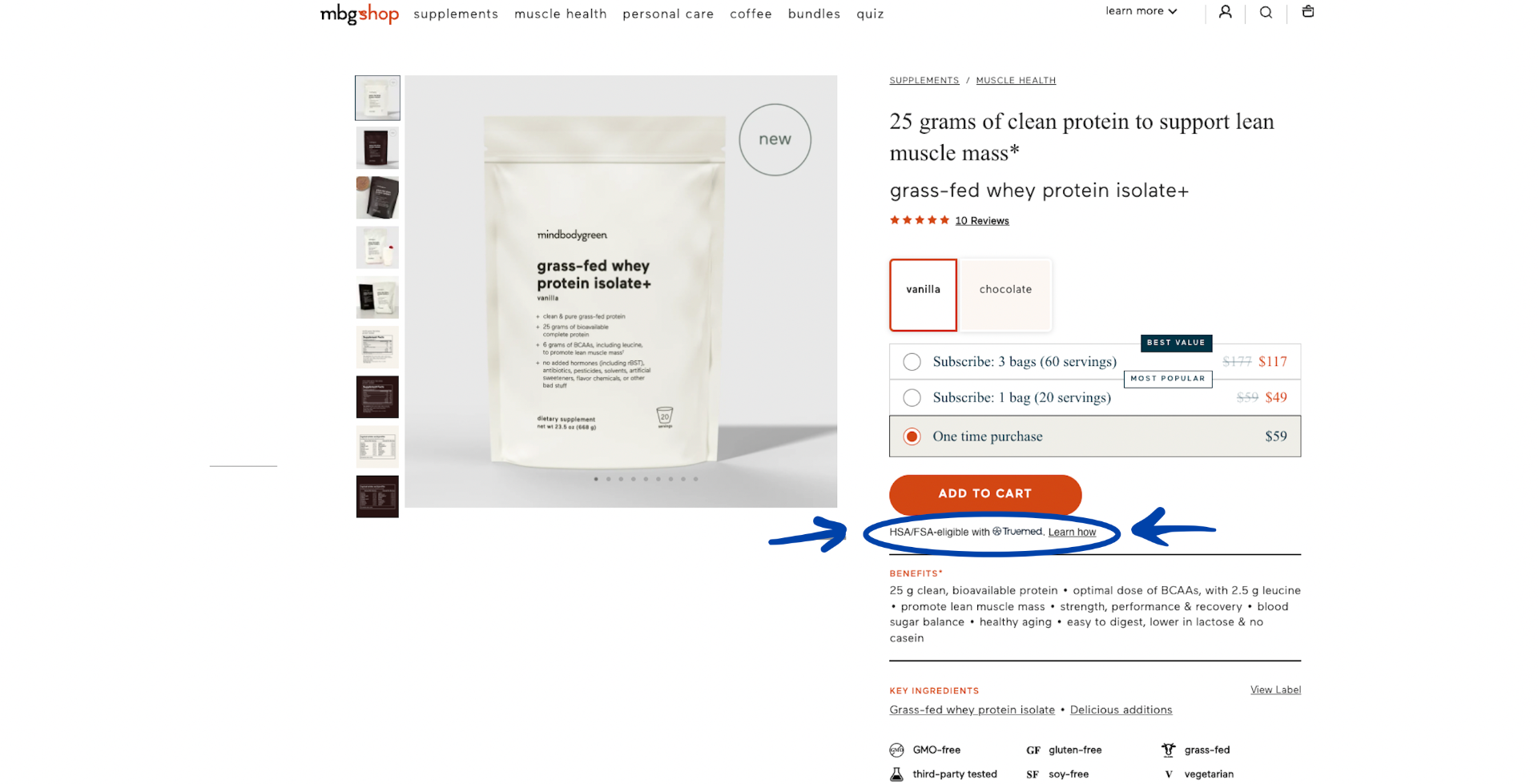
Your customers will see our HSA/FSA eligible widget installed on your product/service pages.
Step 2
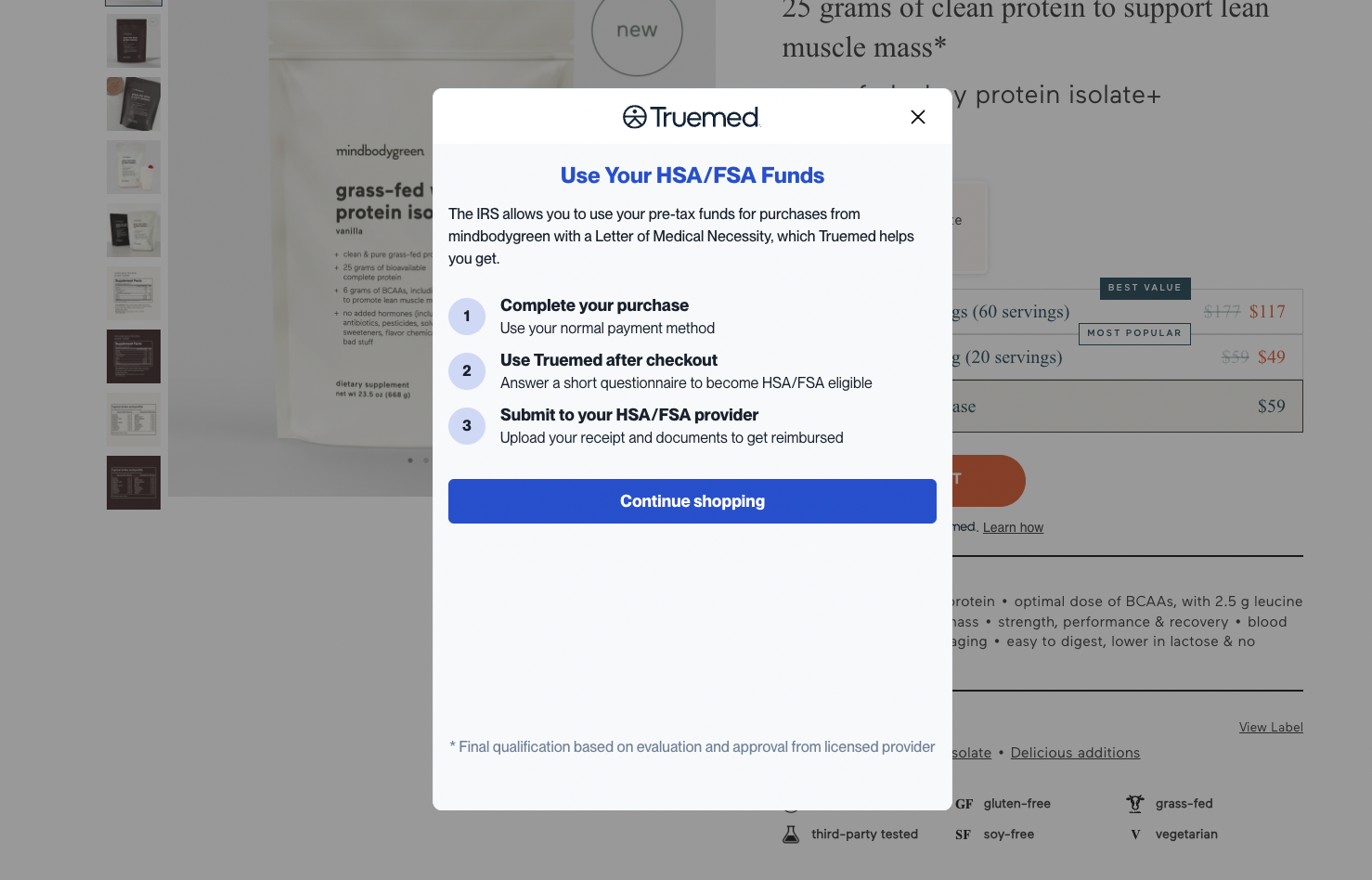
When they click on the “Learn How” button, this window will pop up to educate your buyer on how to receive reimbursement from their HSA/FSA administrators after purchasing from your site.
Step 3
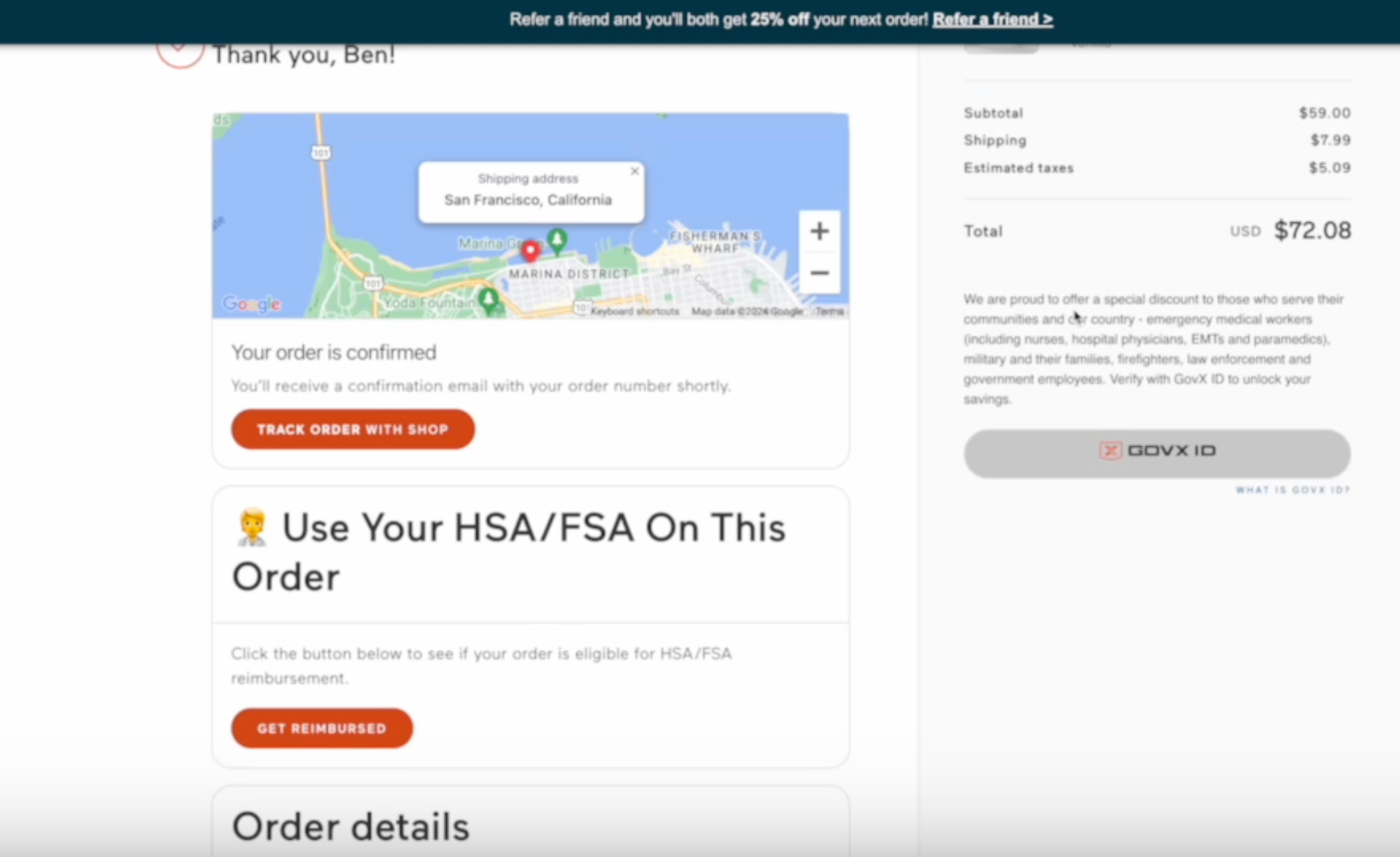
After your customer has checked out with their normal credit card, they will see the below widget embedded on the “order confirmation” page.
Step 4
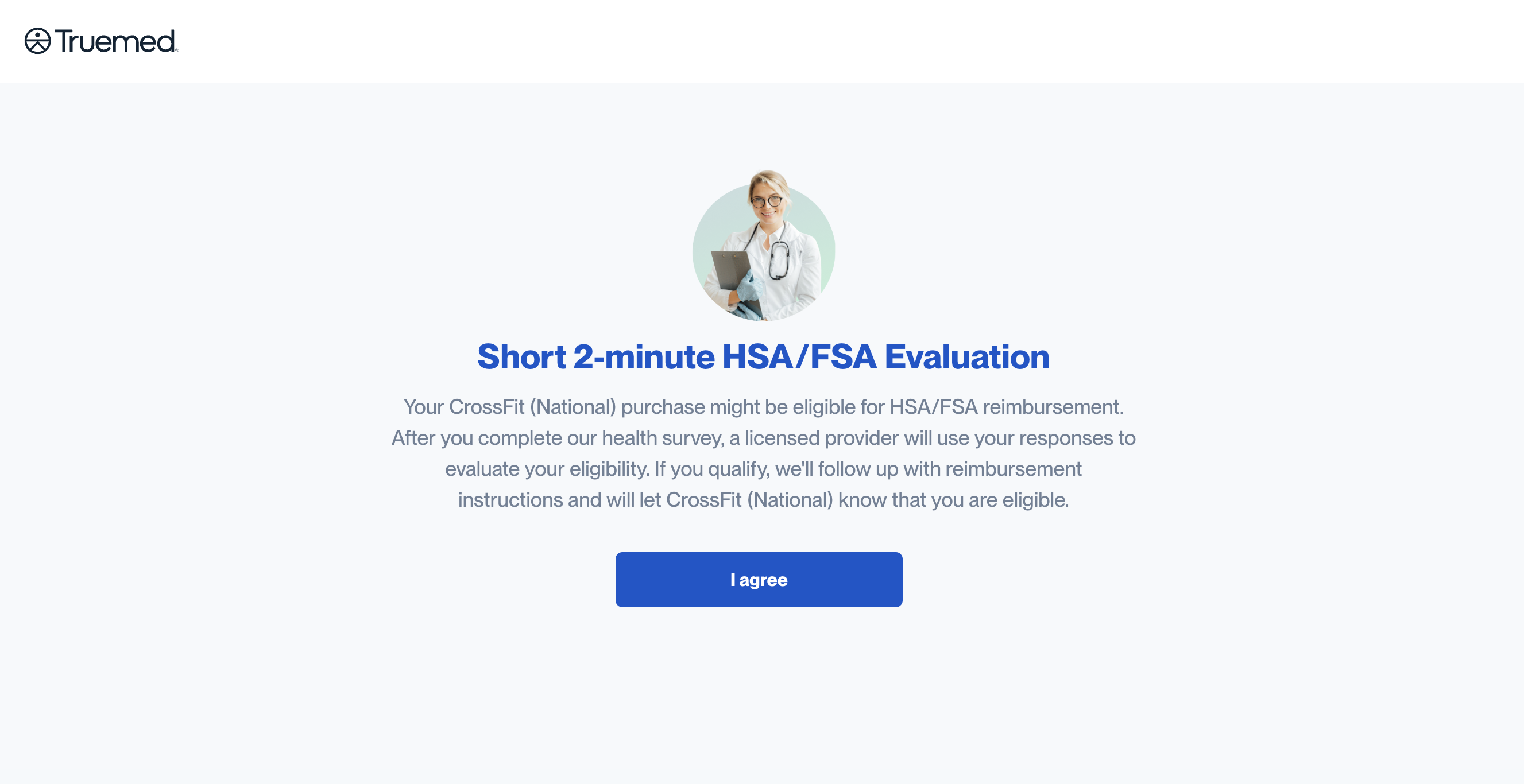
After clicking “get reimbursed” on the order confirmation page, your customer will be prompted to take this HSA/FSA evaluation form to determine eligibility for HSA/FSA reimbursement.
Step 5
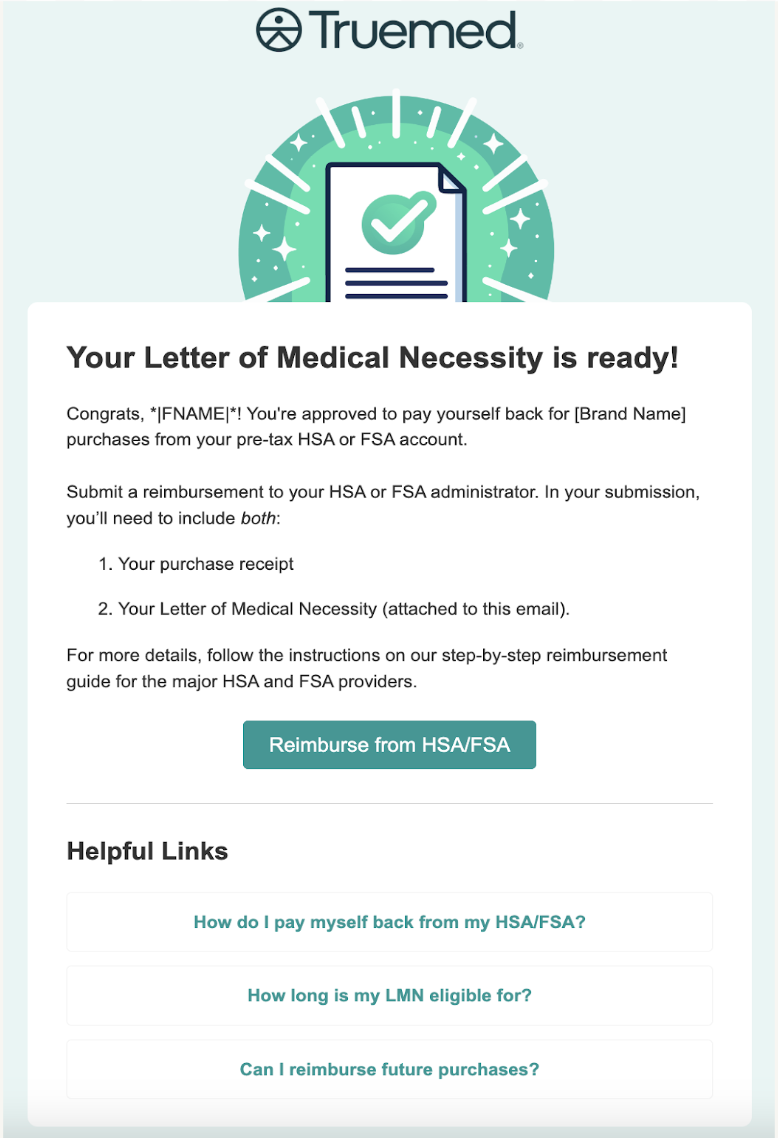
Once your customer has been pre-approved, one of our independent licensed providers will review their form and, if deemed appropriate, will issue and send over the Letter of Medical Necessity (generally within 24-48 hours). Your customers will receive their LMN in a letter that looks like this, along with instructions on how to reimburse themselves.